How to Fix Laptop Screen Flickering in Windows

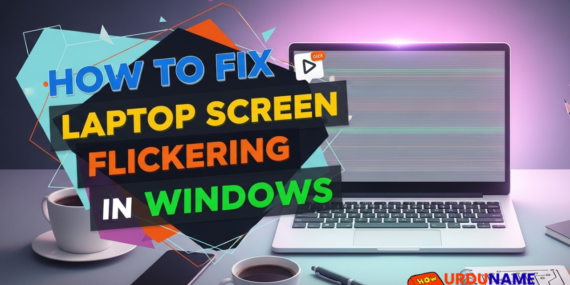
How to Fix Laptop Screen Flickering in Windows

Laptop screen flickering is a common issue in Windows 10 and Windows 11. The screen may blink, flash, or refresh continuously, making it difficult to work. Display drivers, refresh rate settings, loose connections, or software conflicts can cause this problem. The good news is that most screen flickering problems are software-related and can be fixed

How to Fix USB Device Not Recognized Error

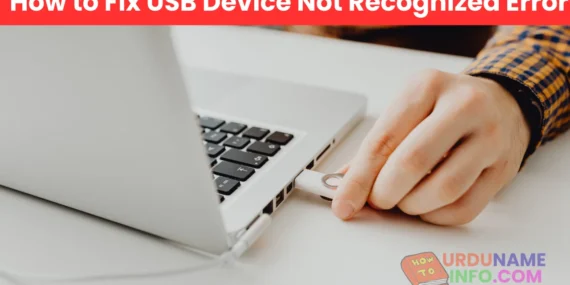
How to Fix USB Device Not Recognized Error

Seeing the message “USB Device Not Recognized” can be annoying, especially when you urgently need to access a flash drive, keyboard, mouse, or external hard disk. This error usually appears when Windows fails to communicate properly with the USB device. The good news is that in most cases, this problem is software-related and can be

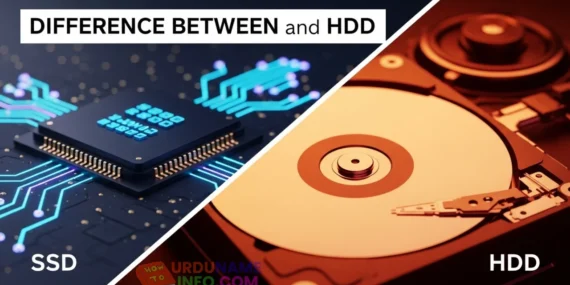
Difference Between SSD and HDD for Beginners

Difference Between SSD and HDD for Beginners

If you are new to computers, terms like SSD and HDD can sound confusing. Many people hear that SSD is “faster” and HDD is “cheaper,” but they don’t really understand why. Both SSD and HDD are storage devices. They store your Windows system, software, files, photos, and videos. The main difference is how they work,

Why Laptop Is Slow After Windows Update

Why Laptop Is Slow After Windows Update

Many users notice that their laptop becomes slow right after installing a Windows update. Apps take longer to open, startup feels delayed, and overall performance drops. This situation can be frustrating, especially when everything was working fine before the update. The truth is, this slowdown is very common and usually temporary. Windows updates bring new