How to Enable App Lock on OPPO A54 (Without Third-Party Apps)

How to Enable App Lock on OPPO A54 (Without Third-Party Apps)

Do you want to use Enable App Lock to protect your apps, such as WhatsApp, Gallery, Facebook, and others, on your Oppo A54 phone from others? Then you have come to the right article. You have this feature with the built-in App Lock in your Oppo A4. You don’t need to install any external apps;

How to Change Ringtone & Notification Sounds on OPPO A54

How to Change Ringtone & Notification Sounds on OPPO A54

The ringtones or notification sounds in your Oppo A54 mobile phone are very important for you and you use them very easily and you can keep their sounds a little higher or lower. You can also set the ringtone or mobile notification sound of your choice here. Today we will talk about this topic and

How to Change Navigation Buttons to Gesture Mode on OPPO A54

How to Change Navigation Buttons to Gesture Mode on OPPO A54

If you want a clean screen and smooth navigation on the OPPO A54, switching from the classic 3-button layout to Gesture Mode is a great option. Gesture mode makes the app feel faster and more modern, removing the navigation bar at the bottom of the app and adding more space, and the screen itself looks

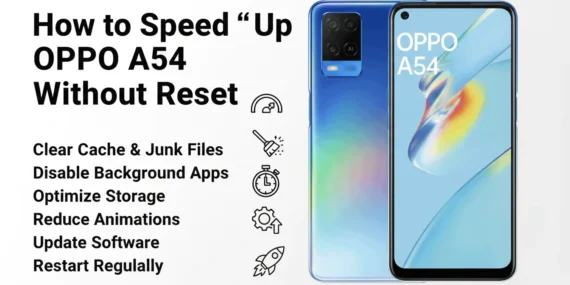
How to Clear Cache on OPPO A54 (Complete Easy Guide)

How to Clear Cache on OPPO A54 (Complete Easy Guide)

Whenever you start or run your mobile phone, sometimes it freezes, sometimes it runs slowly. This happens when your temporary files and unused data start accumulating. The Oppo A54 model is a very reliable brand, it is a good brand, when its storage gets full or when the cache etc. are empty, it opens apps